
This document is the fourth edition of the Rosemount TankMaster.net Configuration User's Guide, which describes the installation and configuration procedure for the Rosemount TankMaster.net Server.
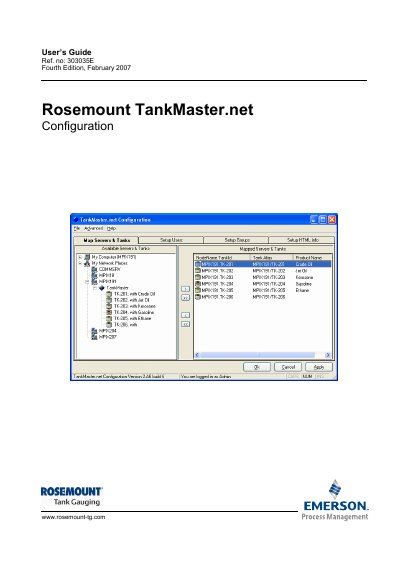
This manual describes the procedure for configuring the Rosemount TankMaster.net Server. It details how an Administrator can create, edit, delete, and assign rights to Users and Groups for viewing tanks using the Configuration application.
The document also covers mapping servers and tanks, setting up HTML information such as company names and support contact details, and managing data polling for live and static items.
The software can be installed on Windows 2000 Server, Windows XP Pro and Windows 2003 Server with Internet Information Services (IIS).
Only the Administrator has access to the website that displays information about users who are logged on.