
This is a user manual that introduces the product's shooting, reading, setting, software installation and troubleshooting functions
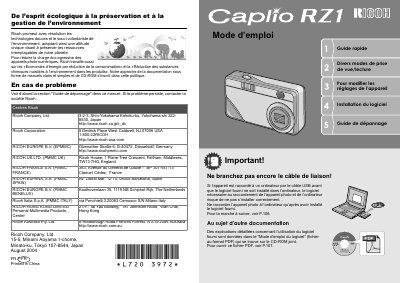
The Ricoh Caplio RZ1 is a compact digital camera featuring a 3x zoom lens (equivalent to 35-105mm), a built-in flash with macro capabilities down to 1cm, and an adjustable AF target shift function. The device supports shooting in various modes including Scene Mode and Multi-Shot, as well as recording high-quality movies at 15 frames per second.
| Zoom Lens Range | 35- to 105-mm equivalent |
|---|---|
| Macro Shooting Distance | 1 cm |
| Flash Range (Telephoto) | 16 cm |
| Movie Resolution | 320 x 240 pixels |
| Frame Rate (Movies) | 15 frames/second |
You must install the provided software on your computer first to ensure proper connection.
Use the dedicated Macro-Mode setting in the shooting menu.
Yes, you can record high-quality movies at 15 frames per second.