
This document provides the operator's guide for the S40/X40 multimedia projector, including preparations, device connection, remote control usage, power on/off, volume adjustment, screen adjustment, signal searching, etc.
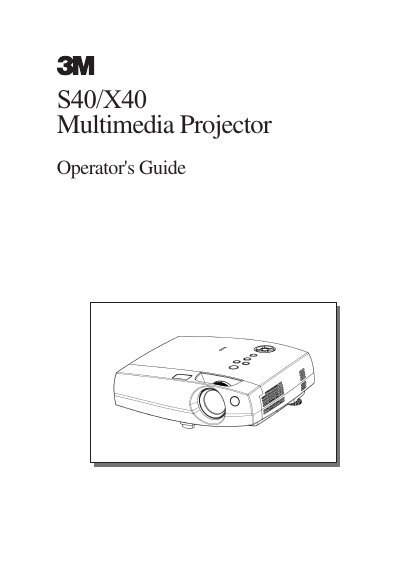
The 3M S40/X40 is a liquid crystal multimedia projector designed to project computer signals as well as NTSC/PAL/SECAM video signals onto a screen. Key features include ultra-high brightness, keystone distortion correction, partial magnification, and whisper mode for quieter operation.
| Resolution (X40) | 1024x768 pixels |
|---|---|
| Lamp Power (S40) | 150W |
| Lamp Power (X40) | 150W |
| Operating Temperature | 16° to 29°C |
Press and hold in the elevator button, raise or lower the projector to the desired height, then release the button.
The adjustment range of the elevator foot is 0 to 9 degrees.