
This document is the user manual for the 3M MP8770 multimedia projector. It introduces the basic operation methods, function settings, maintenance and maintenance of the product.
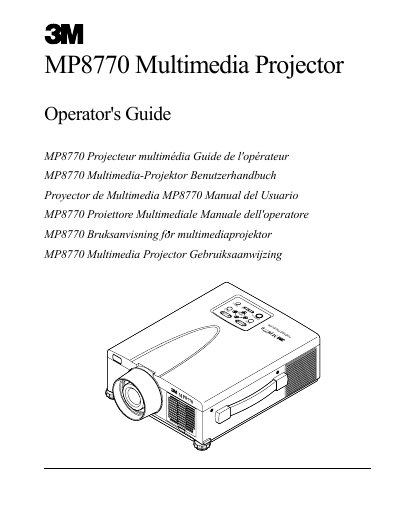
The document serves as an operator's guide for the 3M MP8770 Multimedia Projector. It details unpacking contents, safety precautions regarding high-pressure lamps and laser radiation, and system setup including connections for VCRs, PCs, and Macintosh computers.
Key operational sections cover startup and shutdown procedures, adjustments such as height feet and picture-in-picture functions, and menu navigation. The guide also includes specific instructions for maintenance tasks like cleaning air filters and replacing the projection lamp, along with a troubleshooting section for common symptoms.
3M warrants this product against defects in material and workmanship for a period of two years from the date of purchase.
You must turn off and unplug the unit and wait 45 minutes to let the high-pressure lamp cool.
The projector is shipped with necessary cables required for standard VCR, PC, MAC II or laptop computer connections.