
This document is a manual for a purchased projector, which describes the features and usage of the projector.
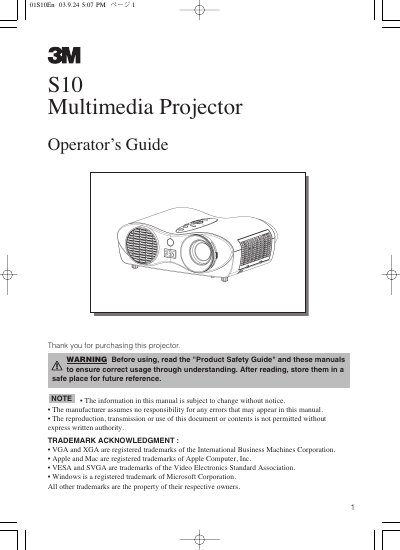
The 3M S10 multimedia projector is designed to project computer and NTSC/PAL/SECAM video signals onto a screen with ultra-high brightness. Key features include a whisper mode for quiet operation, user memory for storing four settings, and partial magnification for detailed viewing. The device supports keystone distortion correction and automatic adjustment for easy setup.
| Lamp Power | 130W |
|---|---|
| Elevator Adjustment Range | 0 to 9 degrees |
| Supported Video Signals | NTSC / PAL / SECAM |
| User Memory Capacity | 4 settings |
Turn off the projector, unplug the power cord, and allow the lamp bulb to cool for at least 45 minutes.
The adjustment range of the elevator feet is 0 to 9 degrees.
You must allow the lamp bulb to cool for at least 45 minutes before attaching the base.
The UHB lamp included with the projector is 130W.