
3M MP8775i Multimedia Projector Quick Start Guide

This is a safety guide for the MP8775 product, which includes the product composition, safety warnings, usage instructions, cleaning and maintenance, etc.
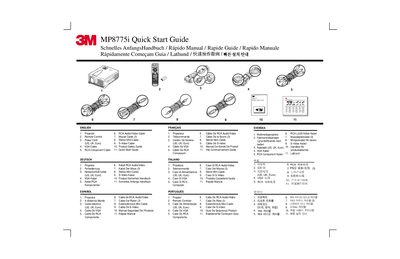

3M MP8775i Multimedia Projector Quick Start Guide - cover page
Brand
3M
Category
Projector
Document type
User Manual
Language
English
Pages
6
File format
PDF
File size
603 KB
Published
06 July, 2012
Updated
30 September, 2023
Models
MP8775I, 775
MD5 checksum
C90C5941912A892A6E0DE9C287BF7419

About this manual

The document serves as a multilingual quick start guide for the 3M MP8775i multimedia projector. It lists included accessories such as the power cord, VGA cable, remote control, and various audio/video cables. The guide details how to set up connections for video, computer, and audio sources.

What's inside

  • Included Accessories
  • Remote Control Keys
  • Video Connections
  • Computer Connection
  • Audio Connection
  • Optional Alternatives
  • Lamp Change
  • Filter Cleaning

Frequently asked questions

What is the function of the Keystone button on the remote?

The Keystone button adjusts the trapezoidal distortion of the projected image.

Download PDF (603 KB)

More 3M Manuals


View all 3M manuals →