
This is the user's manual for the 3M PX5 laser projector. It provides detailed information on the product's features and usage.
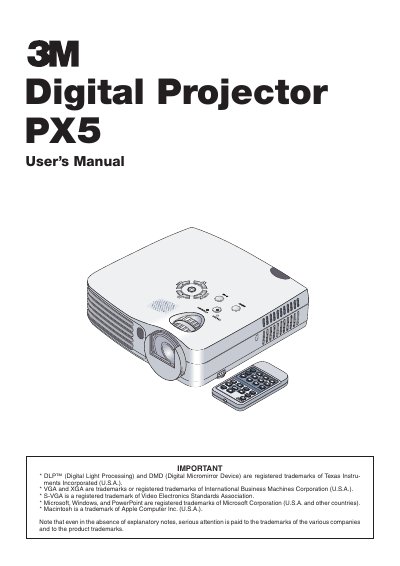
The 3M PX5 is a mobile digital projector featuring DLP technology with a brightness of 1300 lumens and a contrast ratio of 2000:1. It includes unique features such as a Dual Color Mode (DCM) for improved color reproduction and an Iris Lens Cover for quick setup and protection. The device supports various input connections including RGB, S-Video, and Component signals, and offers functions like auto keystone correction and a built-in presentation timer.
| Brightness | 1300 lm |
|---|---|
| Contrast Ratio | 2000:1 |
| Power Supply | 100 - 240 V 50/60 Hz AC |
| Lamp Life | 2000 hours |
Use a blower or lens paper to clean the lens, and be careful not to scratch or mar the lens.
Replace the lamp cartridge when the Status indicator comes on to prevent the unit from turning off.
No, do not use the unit's grounded plug with an extension cord unless all three prongs can be fully inserted.