
3M MP8755/MP8755L/MP8770/MP8770L Multimedia Projector Operator's Guide. This manual provides instruction on how to operate the projector, including turning it on and off, connecting devices, and adjusting the image.
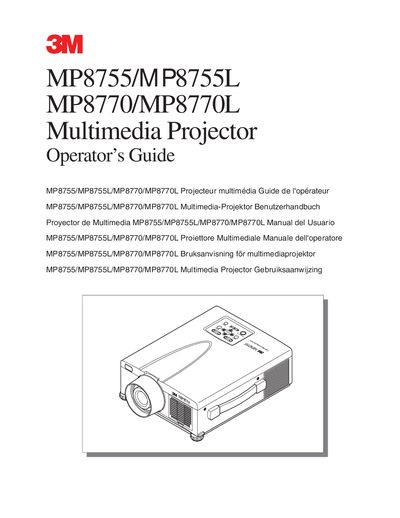
This Operator's Guide covers the unpacking, setup, and basic operations of the 3M MP8755/MP8755L/MP8770/MP8770L Multimedia Projector. It details how to unpack the shipping box, identify parts, and connect various equipment such as VCRs, PCs, and laptops. The guide also explains startup and shutdown procedures, as well as adjustments like height, picture-in-picture, and magnification functions.
The projector was designed, built and tested for use indoors using nominal local voltages.
You must turn off and unplug the unit and wait 45 minutes to let the lamp cool.
3M warrants the product against defects in material and workmanship for a period of two years from date of purchase.