
This document describes how to control the Agilent 1220 Infinity LC system through Waters Empower chromatography data software using the Agilent Instrument Control Framework (ICF). The combination of Agilent ICF and Waters Empower software provides easy access to advanced features of the 1220 Infinity LC system, such as overlapped injections.
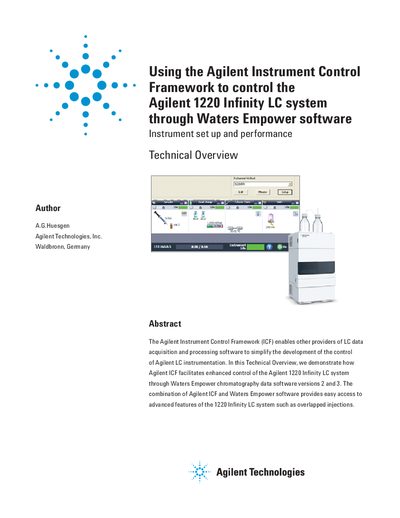
The document describes a technical demonstration where the Agilent Instrument Control Framework (ICF) was used to facilitate control of an Agilent 1220 Infinity LC system through Waters Empower chromatography data software versions 2 and 3. The combination allows access to advanced features such as overlapped injections.
| Supported Software Versions | Empower 2, feature release 3 or higher or Empower 3 software |
|---|---|
| Operating System Requirement | Windows XP with service pack 3 or higher |
| Required Firmware Version | A.06.32 or B.06.32 or B.06.41 or higher |
| Required Driver Type | RC.Net drivers |
Only systems containing an autosampler are supported; instruments with a manual injector are not.
The precision for the retention times is less than 0.24% RSD.