
Agilent 4100 MP-AES provides a low-cost multi-element analysis technique based on a microwave-generated plasma that runs using only nitrogen as opposed to fl ammable gases such as acetylene. This improves laboratory safety, while reducing the diffi culties associated with sourcing and replacing fl ame AA gases — especially in remote areas. With excellent long-term stability, improved linear dynamic range, superior detection limits, and faster measurement compared with fl ame AA, the Agilent 4100 MP-AES is the perfect analysis tool for achieving your productivity and profi tability goals, with the lowest cost of analysis. Part of what makes the Agilent 4100 MP-AES such an easy system to work with is the Agilent MP Expert software that controls the instrument. With a familiar worksheet interface, automated method development, and software applets that automatically load pre-set method templates, the Agilent MP Expert software dramatically simplifi es analysis.
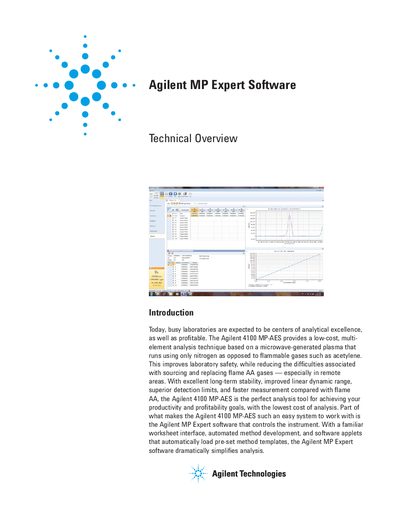
The Agilent MP Expert software controls the Agilent 4100 MP-AES instrument, offering a familiar worksheet interface and automated method development to simplify analysis. It features application-specific software applets that allow novice users to start analysis immediately without method development or alignment, while administrators can tailor the interface to user skill levels.
The instrument runs using only nitrogen instead of flammable gases like acetylene.
Users can click an applet icon that automatically loads a pre-set method without requiring method development or alignment.
The software graphically displays potential interferences and highlights other selected elements in red to help assess interference risks.