
Tera Term 4.62 Installation Guide

The document provides installation instructions for Agilent Microarray Scanner Software Versions A.8.4, including software license statement and installation steps, and operation instructions.
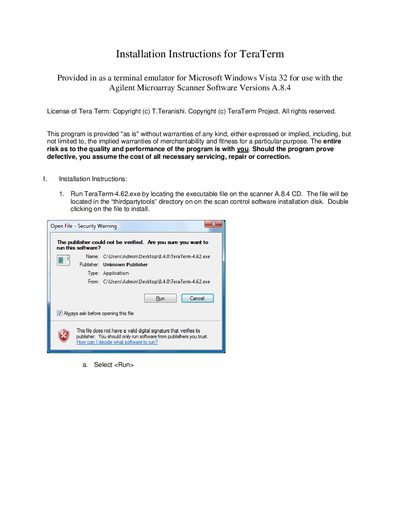

Tera Term 4.62 Installation Guide - cover page
Brand
Installation
Category
Upgrade guide
Document type
Installation Guide
Language
English
Pages
7
File format
PDF
File size
368 KB
Published
05 July, 2012
Updated
30 September, 2023
MD5 checksum
B886E4A25C273AC69C3FA76484C0836D

About this manual

This document provides step-by-step installation instructions for Tera Term version 4.62. It covers the setup wizard process, including accepting the license agreement, selecting the installation destination, choosing components, and configuring the start menu folder. The guide also details optional tasks such as creating desktop shortcuts and associating file protocols.

What's inside

  • Installation Instructions
  • License Agreement
  • Select Destination Location
  • Select Components
  • Select Language
  • Select Start Menu Folder
  • Select Additional Tasks
  • Ready to Install
  • Completing the Setup
  • Operation Instructions

Frequently asked questions

What operating system is Tera Term 4.62 designed for?

The software is provided for use with Microsoft Windows Vista 32.

What is the minimum amount of free disk space required for installation?

At least 5.3 MB of free disk space is required.

What baud rate should be set to capture the scanner log?

You must set the Baud rate to 19200.

Download PDF (368 KB)

More Installation Manuals


View all Installation manuals →