
This manual provides detailed instructions for installing and using the CEDES FACTS General Purpose Interface.
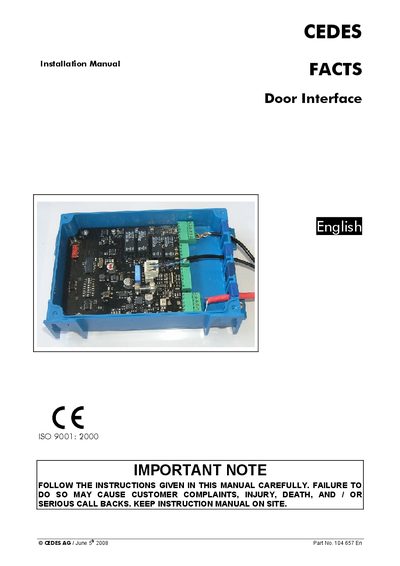
The CEDES FACTS Door Interface is a control unit for access‑controlled doors and gates. It receives identification data from a FACTS Key Reader via RS‑485, evaluates access rights, and activates the door‑lock relay. The device operates on 24 VDC and can be connected to other FACTS interfaces over a CAN bus.
The manual provides step‑by‑step installation instructions, wiring diagrams, LED status explanations, CAN address configuration, and detailed electrical and mechanical specifications. Safety warnings and intended‑use information are included to ensure proper and safe deployment.
| Power supply voltage | 24 VDC |
|---|---|
| Logical low input voltage (max) | 3 VDC |
| Logical high input voltage (min) | 10 VDC |
| Signal voltage on input connector | +24 VDC, max 40 mA |
| CAN bus cable impedance | 120 Ohms |
| Device height | 45 mm |
| Default CAN baud rate | 500 kbit/s |
The address is set with dip‑switch A and the offset switch on dip‑switch B; the final address is the decimal sum of all switches set to ON.
LEDs indicate power status, communication status, input signals, and relay outputs; for example, the green LED on the Door Lock output is on when the relay is energized.
The Door Interface requires a 24 VDC power supply.