
This document is the CEDES FACTS Door Interface Installation Manual. It mainly introduces the features, characteristics, usage, installation, and configuration of the product.
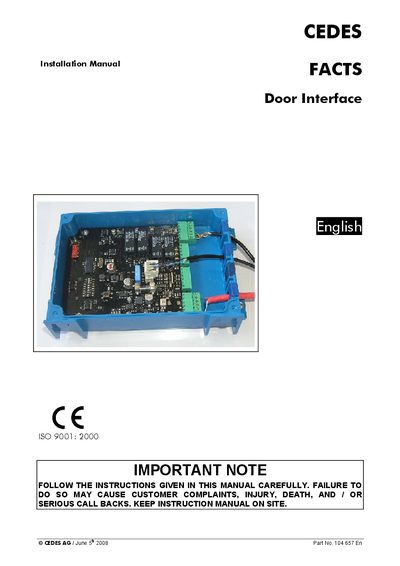
The FACTS Door Interface is a control unit for access‑controlled doors and gates. It receives identification data from a FACTS Key Reader via RS‑485 and activates a door‑lock relay based on stored access rights. The device operates on 24 VDC and can be connected to other FACTS components over a CAN bus.
The manual provides step‑by‑step installation instructions, wiring diagrams, LED function descriptions, CAN address configuration, and technical specifications such as power requirements, input voltage levels, and mechanical dimensions.
| Power supply | 24 VDC |
|---|---|
| Input voltage low level | max 3 VDC |
| Input voltage high level | min 10 VDC |
| Signal voltage on input connector | +24 VDC, max 4 A |
| CAN‑bus cable impedance | 120 Ω |
| Device height | 45 mm |
It requires a 24 VDC power source.
LEDs show power status, communication status, input signals, door‑lock output, and test results as described in the LED‑Functions table.