
This document is a mobile phone user manual that introduces the functions and features of the phone and how to use the phone.
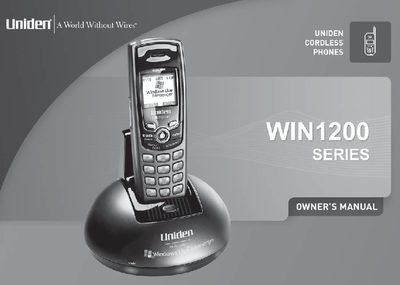
The Uniden WIN1200 is a digital phone designed to integrate with Windows Live Messenger for PC-to-PC voice calls and to make regular phone calls via a standard telephone line. The device features a 5.8 GHz digital connection, a 100-number caller ID memory, and supports English, Spanish, and French menu displays. It allows users to download contacts from their computer and manage call history directly from the handset.
| Frequency | 5.8 GHz |
|---|---|
| Caller ID Memory | 100 numbers |
| Phonebook Capacity | 100 names |
| Supported Languages | English, Spanish, French |
Yes, but the phone must be connected to an active telephone line to make 911 emergency calls.
You need Microsoft Windows XP, Windows Live Messenger 8.0, an active broadband Internet connection, and an available USB port on your computer.
Yes, you can make regular phone calls through a standard phone line if the phone is connected to an active telephone wall jack.