
This manual provides an overview of the features and functions of the Uniden D1688 corded telephone. Topics include how to set up the phone, use the menus, use the phone, change the volume, use the caller ID and redial lists, use call waiting, and use the phonebook.
The document provides instructions for setting up the Uniden D1688 corded base with an answering system. It details how to attach the stand for desktop or wall mounting, connect power and telephone cords, and install accessory handsets with rechargeable batteries.
Subsequent sections explain basic menu operations, phonebook management, caller ID features, and using the answering system. The guide also covers troubleshooting common issues like interference and dialing mode settings.
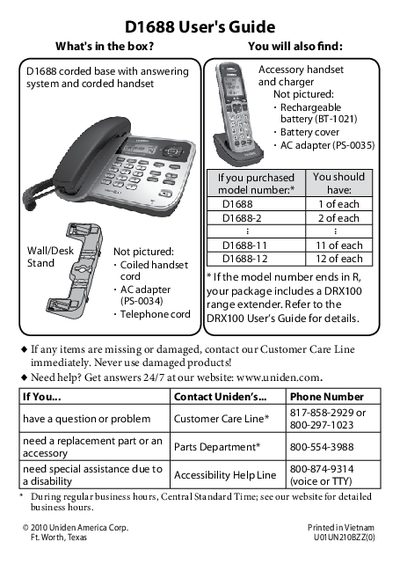
The package includes a corded base with an answering system and a corded handset.
All handsets must be charged completely for about 15 hours before using them.