
Uniden D1760 Series Cordless Phone User's Guide

This document describes the accessories and features of the Uniden D1760 series cordless phone, including the base, handset, charger, battery cover, and special features.
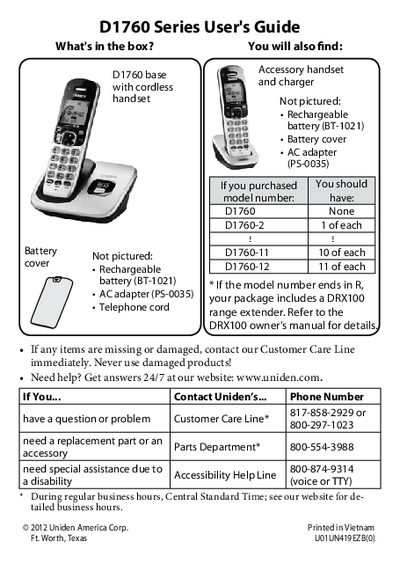

Uniden D1760 Series Cordless Phone User's Guide - cover page
Brand
Uniden
Category
Telephone
Document type
User Manual
Language
English
Pages
20
File format
PDF
File size
816 KB
Published
05 July, 2012
Updated
29 September, 2023
MD5 checksum
732C2CB86A077DF2A1D82B43EE95ABB8

About this manual

This manual provides instructions for the Uniden D1760 Series cordless telephone system. It details the contents of the package, including the base, handsets, and accessories, and explains how to charge the batteries and install the phone. The guide covers basic operations such as making calls, using the speakerphone, and managing the phonebook.

What's inside

  • What's in the box
  • Installing Your Phone
  • Getting to Know Your Phone
  • Using the Handset Menu
  • Using Your Phone
  • Using the Phonebook
  • Using Special Features
  • Important Safety Instructions
  • Important Information
  • 1-Year Limited Warranty

Specifications

Dial ModeTone or Pulse
Battery Charge Timeabout 15 hours

Frequently asked questions

How do I change the dial mode to pulse?

Press MENU/SELECT, choose Global Setup, select Dial Mode, then select Pulse.

How do I mute the microphone during a call?

Press the MESSAGE/MUTE key while the call is active.

What does the blinking LED status indicate?

A blinking LED indicates that there are new messages.

Download PDF (816 KB)

More Uniden Manuals


View all Uniden manuals →