
Uniden D1685 Series Cordless Phone User's Guide

This document describes the features and functions of Uniden D1685 series phones, including the base model D1685 with answering system and cordless handset, as well as accessory handsets and chargers.
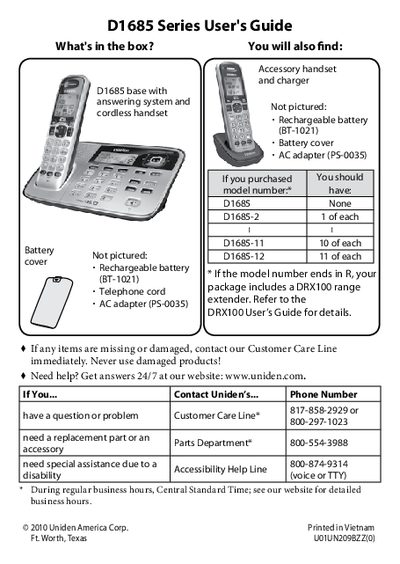

Uniden D1685 Series Cordless Phone User's Guide - cover page
Brand
Uniden
Category
Telephone
Document type
User Manual
Language
English
Pages
24
File format
PDF
File size
847 KB
Published
05 July, 2012
Updated
29 September, 2023
Model
D1685
MD5 checksum
86DB976837FB7A6B1C1B30310DD2B91C

About this manual

This manual provides instructions for setting up and using the Uniden D1685 Series cordless telephone system. It details how to install the base and handsets, charge the batteries, and connect the telephone line. The guide explains the functions of the keypad and buttons on both the base and the handset.

What's inside

  • Getting Started
  • Installing Your Phone
  • Getting to Know Your Phone
  • Using the Menus
  • Using Your Phone
  • Using Special Features
  • Using the Answering System
  • Important Safety Instructions
  • Important Information
  • Solving Problems

Specifications

Battery Charge Timeabout 15 hours

Frequently asked questions

How do I change the dialing mode to pulse?

Press MENU/SELECT, choose Global Setup, select Dial Mode, and choose Pulse.

What does the ECO icon on the display mean?

It indicates that the handset is using ECO (power save) mode.

How do I mute the microphone during a call?

Press the MUTE button on the handset.

Download PDF (847 KB)

More Uniden Manuals


View all Uniden manuals →