
This document is the copyright statement and trademark information of the DocuMate 752 scanner user's guide. It introduces the features and characteristics of the XEROX and DocuMate brands, as well as other related trademarks and software.
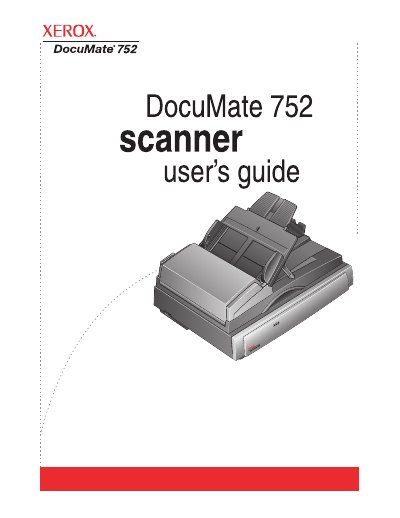
The Xerox DocuMate 752 is a flatbed scanner equipped with an Automatic Document Feeder (ADF) capable of handling single-sided or double-sided color and black-and-white documents. The device supports paper sizes up to 11.7" x 17" via the ADF and up to A3 on the glass, featuring a lockable scanning head and various status lights for operation monitoring.
| ADF Capacity | 50 pages |
|---|---|
| ADF Paper Size | 11.7" x 17" |
| Flatbed Paper Size | A3 (11.69" x 16.53") |
| Operating System Support | Windows 2000, XP, Vista |
The ADF can hold up to 50 pages at a time.
The scanner supports Microsoft Windows 2000, XP, and Vista.
Open the ADF cover using the release button to access the jammed area.