
This document is the user's guide for the DocuMate 765 scanner. It describes the features and characteristics of the scanner.
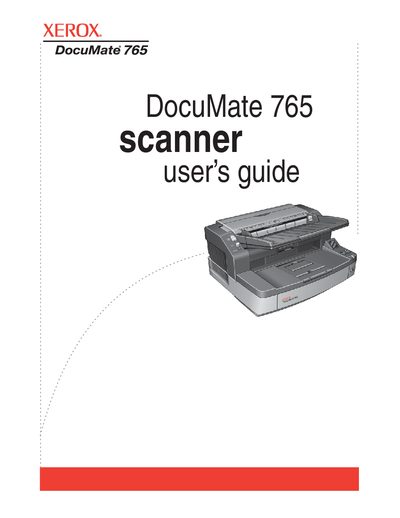
The Xerox DocuMate 765 is a flatbed scanner designed to quickly scan single-sided or double-sided stacks of documents. This manual covers installation steps, including unpacking, software setup, and connecting via USB. It details how to use the One Touch button panel for scanning with various applications like OCR, HTML creation, and CD burning.
| Document Type | Flatbed scanner |
|---|---|
| Connection Interface | USB Cable |
Yes, the Xerox DocuMate 765 can quickly scan single-sided or double-sided stacks of documents.
The scanner is designed to quickly scan single-sided or double-sided stacks of documents and place their images on your computer.
Full access to Adobe software features is only available if any Adobe product is installed on your computer.