
This guide explains how to use your Xerox PHASER 3635 multifunction printer.
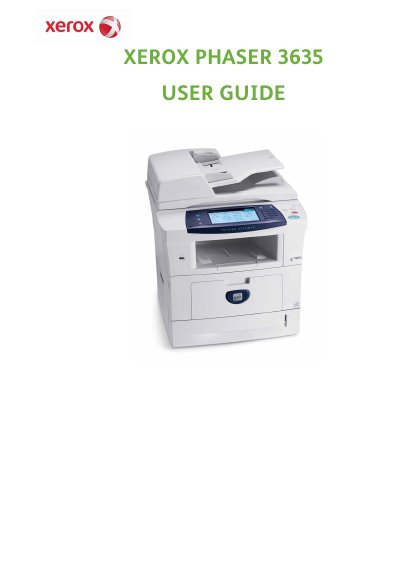
The Xerox Phaser 3635 is a digital multifunction device capable of copying, printing, faxing, and scanning. The guide explains how to set up the machine, load paper and media, and use various features including embedded fax and network scanning. It also details how to customize settings and manage files stored on the device.
| Copy/Print Speed | 35 pages per minute |
|---|---|
| Paper Capacity | Up to 75 sheets |
| Document Feeder Capacity | Up to 100 sheets |
| Paper Weight Range | 12.5 lb to 28 lb (50 - 120 g/m²) |
The MFP/X model includes faxing capabilities, whereas the MFP/S model does not.
Yes, the device has the capability of storing print and copy files on the device.