
The document is about the design of the Travel Scanner 100 User Guide. It describes the features and characteristics of the product.
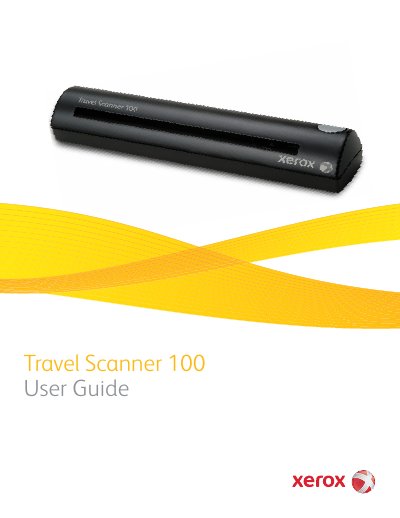
The Xerox Travel Scanner 100 is a portable USB-powered scanner designed to quickly scan paper items such as letters or receipts. It connects directly to a computer via a Universal Serial Bus (USB) port, making it ideal for use on the road. The device features an automatic paper feed mechanism and includes buttons for starting scans and opening configuration windows. This manual is written in Chinese.
| Operating System Compatibility | Windows 2000, Windows XP, Windows Vista |
|---|---|
| Minimum RAM (Windows Vista) | 1 gigabyte (GB) of internal memory |
| Free Hard Disk Space | 350 MB minimum |
The package includes the Travel Scanner 100, a USB Cable, an Installation Disc, a Technical Support Card, a Carrying Bag, Calibration Pages, Photo Sleeves, a Cleaning Sheet, and a Quick Install Guide.
The scanner needs to be calibrated as part of your monthly maintenance, though daily use may require more frequent calibration.