
This document is the user's guide for the 7600 scanner by Visioneer, Inc. It describes the features and characteristics of the scanner.
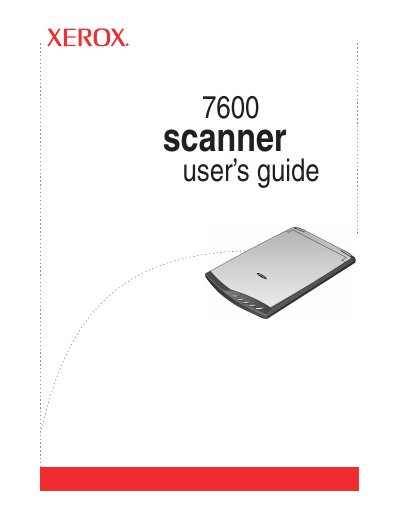
The Xerox 7600 Scanner User's Guide is designed to help users set up and operate the Xerox 7600 scanner. It covers the initial installation process, including software installation and connecting the device via USB. The guide details the hardware components such as the scanner lid, glass, and One Touch button panel, explaining their functions and how to use them effectively.
The package includes the scanner, a USB cable, an installation disc, a quick install guide, and a technical support card.
Items must be placed face down and aligned at the arrow symbol located in the bottom right corner.
Pressing a specific button scans the document and opens the corresponding application, such as an email program with the image attached.