
Xerox 6400 scanner user’s guide, introduces the scanner's usage methods, functional characteristics, etc.
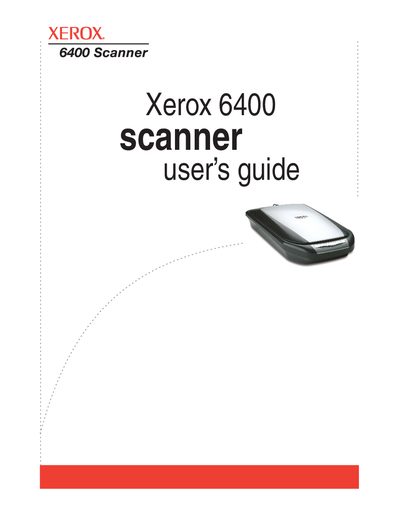
The Xerox 6400 Scanner is a device designed to scan paper documents, color photos, 35mm slides, and negatives to place electronic images on a computer. The guide explains how to install the software and connect the scanner via USB 1.1 or 2.0 ports. It details the use of the One Touch Button panel for direct scanning and configuring settings for various document types.
The scanner is designed to quickly scan paper documents, color photos, 35mm slides, and negatives to place their electronic images on your computer.
The locking tab must be unlocked before scanning because the scanner will not scan when locked.
A green light shows the scanner is ready to scan, while a red light indicates the scanner is busy or an error has occurred.