
This document is the user guide for the DocuMate 632 scanner. It describes the features and functionality of the scanner.
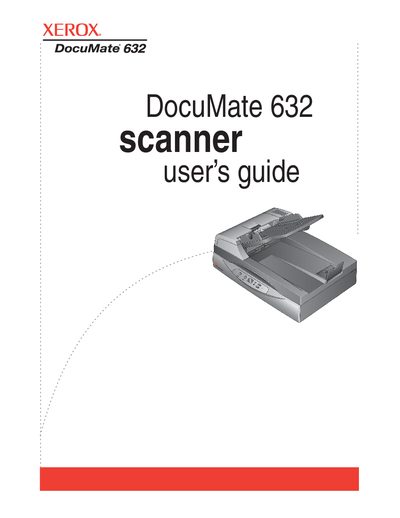
The Xerox DocuMate 632 is a desktop scanner designed to quickly scan single-sided or double-sided stacks of color and black-and-white documents up to 8.5" x 14" onto a computer. The device features an Automatic Document Feeder (ADF) with an input tray, output tray, and one-touch button panel for easy operation.
| Document Size | up to 8.5" x 14" |
|---|---|
| Memory (Windows Vista) | Minimum of 1 gigabyte (GB) of internal memory (RAM) |
The scanner requires a minimum of 1 GB of internal memory (RAM), 350 MB of free hard disk space, and an available USB port.
To protect the scan head, push the scanner lock tab down to unlock it before moving the device.