
This document is the user's guide for the DocuMate 515 scanner. It includes instructions for use and a copyright statement prohibiting reproduction, adaptation, or translation without prior written permission. The document also mentions trademarks from Xerox and Visioneer, brands from Nuance Communications, Kofax Image Products, and Captiva Software Corporation, as well as trademarks related to Adobe and Microsoft. The document emphasizes the need to have Adobe products installed in order to fully access its software features.
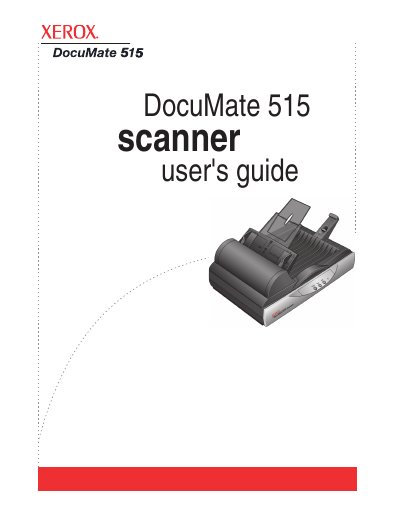
The Xerox DocuMate 515 is a desktop scanner designed to quickly scan stacks of documents using its Automatic Document Feeder (ADF) or single pages on the flatbed glass. The device connects via USB and requires an IBM-compatible PC running Windows 2000, XP, or Vista. This manual is written in Chinese.
| Operating System Compatibility | Windows 2000, Windows XP, Windows Vista |
|---|---|
| Minimum RAM for Windows Vista | 1 gigabyte (GB) |
| Minimum Free Hard Disk Space | 350 MB |
The box contains the Power Supply, USB Cable, Paper Guide, Extension Paper Stop, Replacement ADF Pad, Installation Disc, Quick Install Guide, Technical Support Card, and Documentation.
Press the Scanner Lock button to lock or unlock the scanning head.