
Xerox DocuMate 510 Scanner User's Guide

This document is the user's guide for the DocuMate 510 scanner. It describes the features and functionality of the scanner.
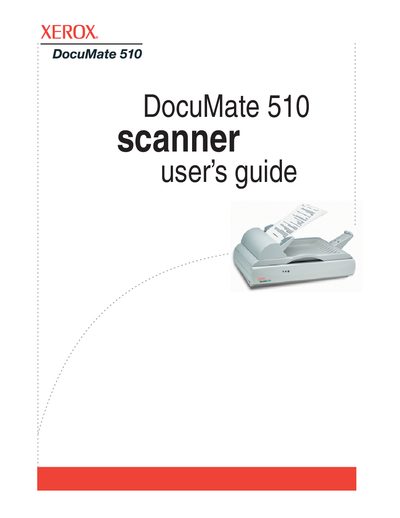

Xerox DocuMate 510 Scanner User's Guide - cover page
Brand
Xerox
Category
Scanner
Document type
User Manual
Language
English
Pages
135
File format
PDF
File size
5.3 MB
Published
04 July, 2012
Updated
29 September, 2023
MD5 checksum
6A3C08F50016FC433B642FF5A306244C

About this manual

The Xerox DocuMate 510 is a flatbed scanner equipped with an Automatic Document Feeder (ADF) capable of holding up to 50 pages. This guide covers the complete setup process, including assembling the hardware, installing the software, and connecting the USB and power cables. It details how to load documents, use the One Touch Button Panel for quick scanning, and configure scan settings for various applications like PaperPort.

What's inside

  • Welcome
  • What's in the Box
  • Installation
  • Scanning
  • Using the One Touch Button Panel
  • Scanning with Optical Character Recognition (OCR)
  • Scanning with the TWAIN Interface
  • Scanning with the WIA Interface
  • Maintenance
  • Troubleshooting

Specifications

ADF Capacity50 pages

Frequently asked questions

What is the maximum number of pages the ADF can hold?

The Automatic Document Feeder can hold up to 50 pages at a time.

When should I plug in the USB cable?

Do not plug in the USB cable until after you have installed the software.

Download PDF (5.3 MB)

More Xerox Manuals


View all Xerox manuals →