
This document provides instructions for using the 600A Clamp Meters w/TightSight™ Display, including safety information and operating instructions.
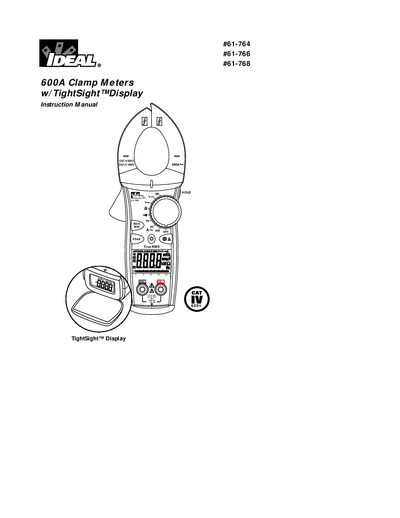
This document is the instruction manual for Ideal Industries' 600A Clamp Meters with TightSight™ Display. It covers three specific models: the #61-764 (averaging sensing), the #61-766 (true RMS with capacitance and frequency measurement), and the #61-768 (true RMS with DC current measurement). The manual details safety precautions, common features such as auto/manual ranging and data hold, and specific operating procedures for measuring AC/DC current, voltage, resistance, continuity, and capacitance.
| Maximum Clamp Current | 600 A AC |
|---|---|
| Safety Category | Cat IV-600V / Cat III-1000V |
| Frequency Range (AC Current) | 40 Hz - 400 Hz |
Yes, but only the #61-766 model includes capacitance measurement.
Press the button in the middle of the meter to turn the backlight on and off.