
This document is about the ideal voltage performance monitor, which can monitor voltage events and affect the performance of the equipment. The monitor is easy to use. Just need to go through simple setup, select pre-loaded monitoring thresholds (based on recognized standards), plug it into the outlet, and watch the unit capture and log voltage events. All the information you need is at the touch of your fingertips presented on a super-bright OLED display. No computer downloading is required. Using the Voltage Performance Monitor is the easiest way to know the reliability of your voltage.
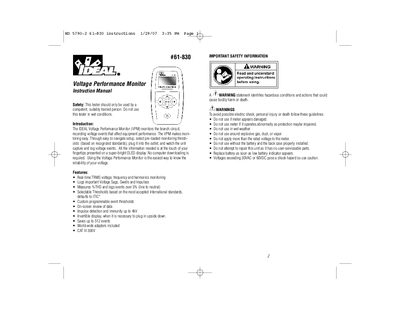
The IDEAL 61-830 Voltage Performance Monitor (VPM) is a device designed to monitor branch circuits by recording voltage events that affect equipment performance. It features real-time TRMS voltage, frequency, and harmonics monitoring, along with the ability to log sags, swells, impulses, and total harmonic distortion (THD). The unit includes selectable thresholds based on international standards like ITIC and stores up to 512 events internally.
The unit supports nominal voltage settings of 100, 110, 120, 200, 208, 220, 230, and 240V.
The IDEAL logo appears followed by a flashing lightning bolt for approximately 6 seconds.
You must press any key within 10 seconds to disregard the artificial loss event created by unplugging.