
This is a document about the IDEAL brand, describing the usage instructions and features of the IDEAL 2240, IDEAL 2260, and IDEAL 2270 series document shredders. These document shredders are suitable for destroying paper and are resistant to small quantities of paper clips and staples. Some models can also shred CDs, credit cards, and floppy disks.
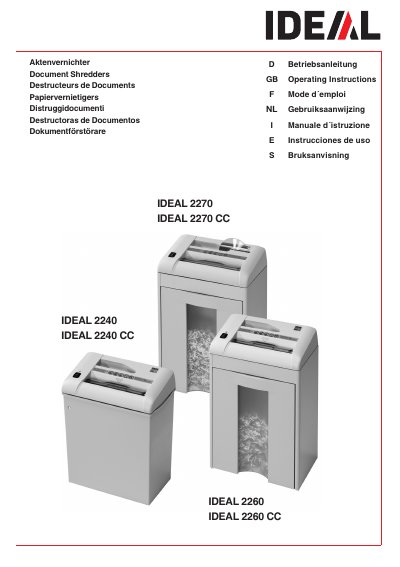
This document provides the operating instructions for the IDEAL 2260 CC paper shredder. It outlines the definition of normal use, specifying that the hardened steel cutting shafts are unaffected by small quantities of paper clips and staples, though this depends on the specific shred size model.
The manual also details critical safety precautions, explicitly stating that children must not operate the machine and that users must not reach into the feed-opening of the cutting head during operation.
| Cutting shaft material | special hardened steel |
|---|---|
| Compatible items | paper clips and staples |
No, children must not operate the machine.
Yes, the cutting shafts are unaffected by small quantities of paper clips and staples.