
This manual introduces the operation of #61-605 Digital Multimeter, including safety information, operating instructions, operation steps, troubleshooting, etc.
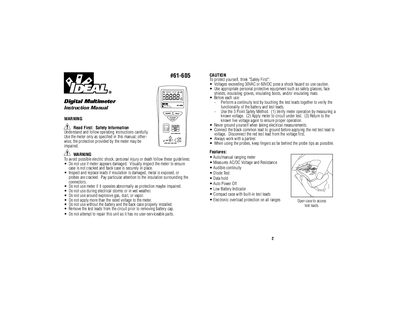
This document is the instruction manual for the IDEAL 61-605 pocket meter, a compact digital multimeter. It provides essential safety warnings regarding electrical shock and equipment damage, along with step-by-step instructions for measuring AC/DC voltage, resistance, continuity, and diodes.
| Display | 3-1/2 digit LCD with 2000 counts |
|---|---|
| Measurement Rate | 2 times per second, nominal |
| Auto Power Off Time | Approximately after 10 minutes of non-use |
| Battery Life | 70 hours continuous with alkaline |
| Operating Environment | 32°F to 122°F (0°C to 50°C) |
Press the Mode Switch button to toggle between AC and DC in the voltage measurement mode.
The meter beeps if the resistance is less than 25 Ohms to confirm continuity.
Remove the screw from the battery cover, take out the old batteries, and insert two new 1.5V button cell batteries.