
This file is a quick start guide for the Delta 1010 PCI digital recording system, which introduces the features and characteristics of this product.
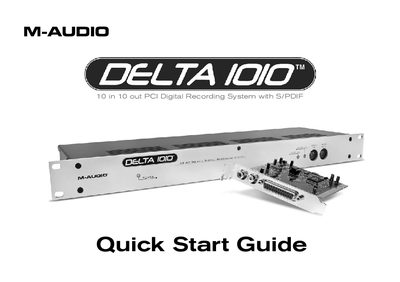
This guide provides step-by-step instructions for installing the M-Audio Delta 1010 PCI Host Adapter card and rack-mount interface on Windows XP and Mac OS X systems. It emphasizes the critical safety step of installing drivers before inserting the PCI card and shutting down the computer before connecting the host cable to prevent damage.
The document details how to connect line-level instruments, microphones, and S/PDIF/Word Clock devices to the interface. It also explains how to open the Delta Control Panel on both operating systems to configure output routings, sample rates, and buffer sizes for recording external sources.
| I/O Configuration | 10 in 10 out |
|---|---|
| Digital Interface | S/PDIF |
| Signal Level | Line-level |
Do NOT install the Delta 1010 PCI card until the M-Audio drivers have been installed.
No, you must shut down the computer before connecting or disconnecting the host cable.
The interface accepts line-level signals from instruments like keyboards and mixers.