
This manual introduces the product features and specifications of the Delta TDIF PCI audio card, and how to install Delta driver software on Windows ME, 98, 95 and NT/2000 operating systems.
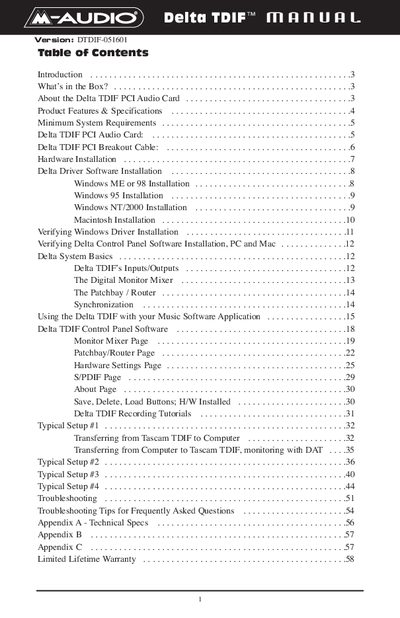
This manual provides instructions for the M-Audio Delta TDIF PCI Audio Card, a multichannel digital recording interface. It details the contents of the package, hardware installation steps, and software driver installation for various operating systems including Windows 95/98/ME/2000 and Macintosh OS 8.5.1 or higher.
The guide explains how to use the card's features, including 8-channel TDIF digital I/O, stereo analog I/O, and S/PDIF connectivity. It covers system basics, input/output configurations, synchronization methods, and the use of the included Delta Control Panel software for routing and monitoring.
| Data Width | 24-bit |
|---|---|
| Sampling Rate | 8kHz to 96kHz |
| TDIF Channels | 8-channel |
| Analog I/O | Stereo |
| S/PDIF I/O | Stereo coaxial |
| Word Clock Output | BNC connector |
Yes, the input switching allows either S/PDIF or analog as the active stereo input.
The device supports Windows 95, 98, NT, 2000, ME, and Macintosh OS 8.5.1 or higher.
A Pentium II running at 500MHz is required to operate the card at 96kHz.
You need 128 MB of PC100 RAM to perform operations at a sampling rate of 96kHz.