
Key facts
- Brand
- M-Audio
- Model
- Delta 1010
- Category
- Audio Codec
- Documents
- 3
- Languages
- EN · JA
- Last added
- 2012-07-03
Start here
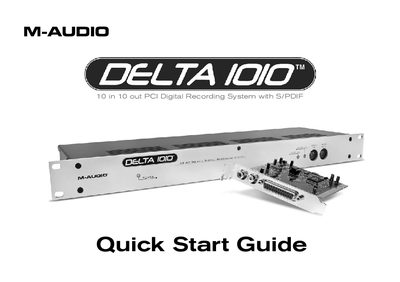
M-Audio Delta 1010 Quick Start Guide
This guide provides step-by-step instructions for installing the M-Audio Delta 1010 PCI Host Adapter card and rack-mount interface on Windows XP and Mac OS X systems. It emphasizes the critical safety step of installing drivers before inserting the PCI card and shutting down the computer before connecting the host cable to prevent damage.
The document details how to connect line-level instruments, microphones, and S/PDIF/Word Clock devices to the interface. It also explains how to open the Delta Control Panel on both operating systems to configure output routings, sample rates, and buffer sizes for recording external sources.
M-Audio Delta 1010 specifications
| Sample Rate Support | up to a full 24 bit 48kHz |
|---|---|
| Bit Depth | 24 bit |
| Power Supply Requirement | 9v DC 500 mA center positive |
| Connector Type | TOSLink standard optical jack |
All M-Audio Delta 1010 documents by type
Day-to-day operation, settings and troubleshooting. Start here if the product is already set up.
The shortest path to a working setup, usually only a few pages.
Questions answered in these manuals
What is the Delta 1010-AI?
It is a companion to the Delta 1010 PCI Recording System that adds ADAT Optical 8-channel input and output capability.
What cables are included in the package?
The package includes a manual, the interface module, a 25-pin male to female standard printer cable, and a power supply.
When should the PCI card be installed?
Do NOT install the Delta 1010 PCI card until the M-Audio drivers have been installed.
Can I connect the rack-mount interface while the computer is running?
No, you must shut down the computer before connecting or disconnecting the host cable.
What are the recommended Macintosh system specifications for the Delta 1010?
A PowerPC G3 233 MHz or faster, at least 128 MB RAM (256 MB recommended), Mac OS 9.x or later, and an available PCI slot are required.
What digital connections does the Delta 1010 support?
It supports S/PDIF (coaxial) and AES/EBU digital inputs and outputs, as well as a BNC Word Clock input and output.