
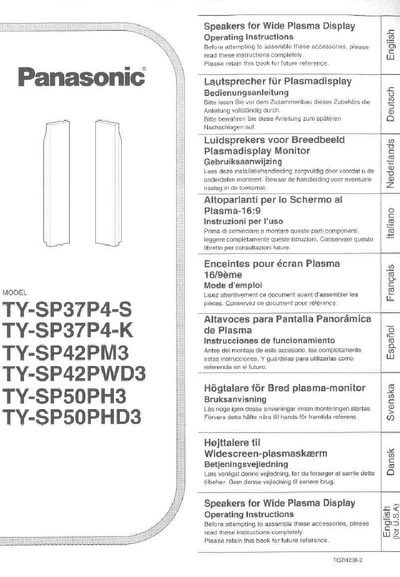
Panasonic TY-SP37P4-S/TY-SP37P4-K/TY-SP42PM3/TY-SP42PWD3/TY-SP50PH3/TY-SP50PHD3 Manual


Panasonic TY-SP37P4-S/TY-SP37P4-K/TY-SP42PM3/TY-SP42PWD3/TY-SP50PH3/TY-SP50PHD3 Manual - cover page
Brand
Panasonic
Category
Other Electronics
Document type
User Manual
Language
English
Pages
24
File format
PDF
File size
1.2 MB
Published
03 July, 2012
Updated
16 July, 2012
MD5 checksum
9D14A70962D14D211E19254F1436E80A

About this manual

This document provides operating instructions for Panasonic speakers designed specifically for wide plasma displays. The manual covers multiple models, including the TY-SP37P4 series, TY-SP42PM3, and TY-SP50PH3 series. It details the assembly process, mounting procedures for different display sizes, and cable connection methods.

What's inside

  • Safety Precautions
  • Accessories
  • Installation
  • Installing to the Wide Plasma Display
  • Preparing the ends of the speaker cables
  • Notes on Use
  • Cleaning

Specifications

Rated Input Level8 W
Compatible Display TypeWide Plasma Display

Frequently asked questions

What is the maximum input level for these speakers?

The maximum input level is 8 W. Exceeding this level may cause fire.

Can these speakers be used with a CRT TV?

No, you should be careful not to place them near a CRT TV as it may cause color patches.

How should the speaker cables be connected?

Connect the red cable to the (+) side and the black cable to the (-) side.

Download PDF (1.2 MB)

More Panasonic Manuals


View all Panasonic manuals →