
This manual introduces the operation methods of WX-H3050 All-in-One headset.
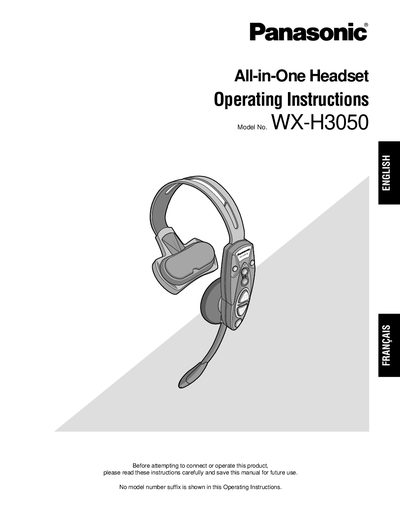
The Panasonic WX-H3050 is an All-in-One Headset designed exclusively for the Panasonic Wireless Communication System, typically used with drive-thru menu boards. It integrates a microphone, earphone, battery compartment, and control buttons, utilizing 1.9 GHz DECT technology to prevent interference from microwave ovens or 2.4 GHz wireless LANs. The headset supports features such as Manager Mode for priority communication, Auto-Talk-Lock for hands-free customer interaction, and Double-Drive-Thru connections.
| Frequency | 1.9 GHz |
|---|---|
| Technology | DECT |
| Compatible Battery | WX-B3030 |
| Compatible Charger | WX-23040 |
| Compatible Center Module | WX-C3010 |
You must use only the Battery WX-B3030.
Yes, it can be used with the Center Module WX-C3010.
Yes, the Auto Talk Lock function allows users to communicate with customers without holding down the button.