
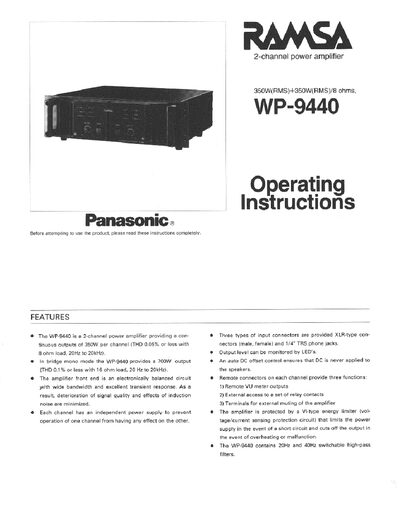
This manual covers the Panasonic WP-9440, a 2‑channel professional power amplifier delivering 350 W per channel (700 W in bridge mode). It explains safety precautions, installation steps, and how to operate the front‑panel controls and remote monitoring features.
Key sections include a description of major operating controls, wiring diagrams for inputs and outputs, procedures for filter selection, protective cap installation, air‑filter cleaning, rack mounting, and a full specification table. The document also lists accessories and optional remote‑monitor output connectors.
| Power supply | 120 V AC 60 Hz |
|---|---|
| Power consumption | ≈1300 W at rated output |
| Rated power output | 350 W + 350 W (8 Ω continuous) |
| Bridge output | 700 W (16 Ω continuous) |
| Frequency response | 20 Hz – 20 kHz ± 1 dB |
| Total harmonic distortion | < 0.05 % (8 Ω, 350 W) |
| Input level | +4 dB |
| Input impedance | 40 kΩ (balanced) |
| Dimensions | 18‑7/8" W × 5‑7/8" H × 19‑1/8" D |
| Weight | ≈73.9 lb (33.5 kg) |
Each channel provides a continuous output of 350 W into an 8 Ω load.
Short pins 5 and 6 of the remote monitor connector to activate the muting circuit.
The high‑pass filter can be set to off, 20 Hz, or 40 Hz.