
This document is a quick start guide for the Olympus m:robe MR-F20 series digital audio player. This player can be connected to a PC via USB for charging and transferring music/photos.
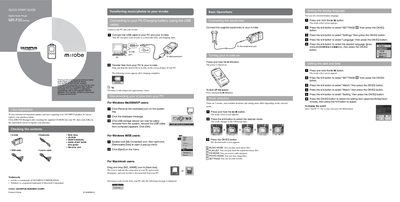
This document is a Quick Start Guide for the OLYMPUS m:robe MR-F20 Series Digital Audio Player. It outlines initial steps such as registering the product online and checking included contents like earphones, neck straps, cables, and software.
The guide details basic operations including turning the device on and off, selecting modes (Music, Photo, FM Radio), setting display language and time, and connecting to a PC for charging or file transfer. It also explains how to play music files, record audio from microphones or line-in sources, view photos, and listen to FM radio.
| Charging time | approximately 3 hours |
|---|
The battery is fully charged after approximately 3 hours.
Your PC recognizes your m:robe as a removable disk, and charging starts.
Press and hold the P/II button to turn it on, and press and hold the same button to turn it off.