
This document introduces the use of the TCON-17 1.7x tele conversion lens, including installation methods and precautions.
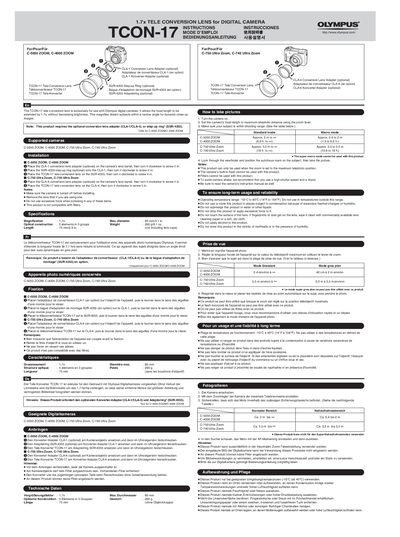
The Olympus TCON-17 is a tele conversion lens designed exclusively for select Olympus digital camera models. It extends the focal length by 1.7x without reducing brightness, allowing users to capture distant subjects within a narrow angle for dynamic close-up images.
To use this product, it must be attached using an optional conversion lens adapter (CLA-1 or CLA-4) depending on the specific camera model, or a SUR-4355 step-up ring. The manual details installation steps, shooting modes, and important usage notes such as the requirement to set the zoom to maximum telephoto before taking pictures.
| Magnification | 1.7x |
|---|---|
| Max diameter | 80 mm/3.1in. |
| Optical construction | 5 elements in 3 groups |
The lens is supported by C-5050 ZOOM, C-4000 ZOOM, C-750 Ultra Zoom, and C-740 Ultra Zoom.
No, the camera's built-in flash cannot be used when the TCON-17 is attached.
This product can only be used when the zoom is set to the maximum telephoto position.