
This document provides a general method for using finite element analysis in engineering modeling tools and system simulation tools. The goal of this method is to provide a structured method for creating finite element models and integrating them into larger engineering modeling and system simulation systems.
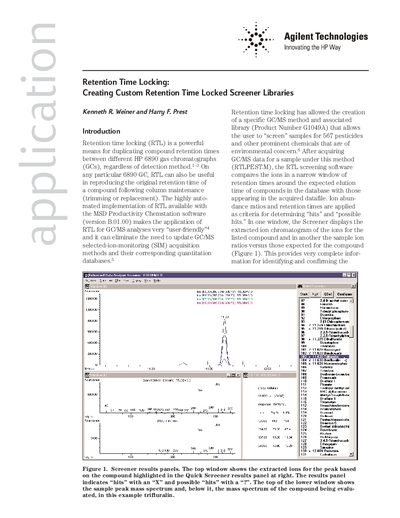
Retention time locking (RTL) is a technique used to duplicate compound retention times between different HP 6890 gas chromatographs or to reproduce retention times after column maintenance. This document explains how to generate custom RTL screening libraries within the MSD Productivity Chemstation software (version B.01.00 or later).
| Software Version | MSD Productivity Chemstation software revision B.01.00 or later |
|---|
RTL is a powerful means for duplicating compound retention times between different HP 6890 gas chromatographs (GCs), regardless of detection method.
Users need compound identity (name), molecular formula (optional), molecular weight (optional), CAS number (optional), and the retention time for each peak in seconds.