
This is the user manual for the Brother PT-2430PC electronic labeler
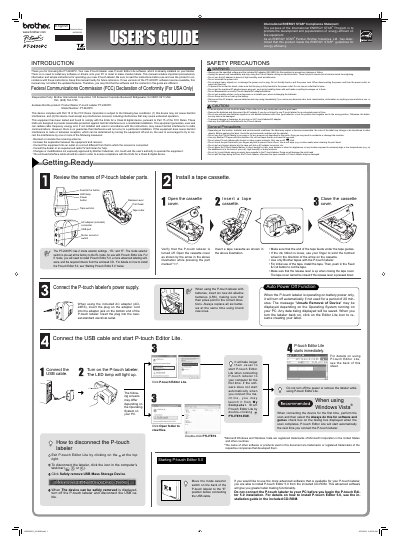
The Brother PT-2430PC is an electronic labeling system that comes with P-touch Editor Lite software pre-installed. This manual provides instructions on using the device to create labels without needing to install additional drivers or software on a PC.
The guide includes important safety precautions, such as using only specified voltage and AC adapters, avoiding moisture, and proper battery handling. It also details how to connect the labeler via USB, operate P-touch Editor Lite, and switch between EL and E modes for different labeling needs.
The device requires six new AA alkaline batteries (LR6) with poles pointing in the correct directions.
The unit will shut down if not used for a period of 20 minutes.
The manual specifies using the included AC adapter (AD-24ES) to prevent damage.