
The P-touch 2200/2210 is a versatile label printer that allows you to design custom labels and stamps. It offers a variety of frame designs, character sizes and styles, as well as five different tape widths and various tape colors. It also features a Stamp function for quickly creating reusable pre-inked stamps.
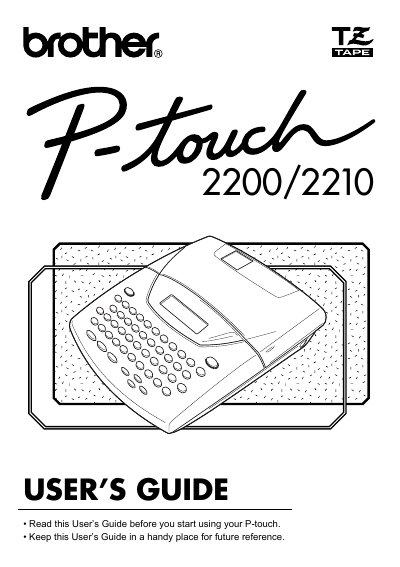
This User's Guide provides instructions for the Brother P-touch 2200/2210 label printer, a versatile machine designed for creating custom labels and stamps. It covers general precautions, battery installation, and the use of the optional AC adaptor. The guide details how to attach labels, manage the print head and rollers, and utilize the various keyboard functions for formatting text.
| Input Device | Keyboard - 51 keys |
|---|---|
| LCD Display | 7 x 5 dots, 12 characters, 2 lines, 16 indicators |
| Print Tape Length | 26' 3" (8 m) |
| Available Tape Widths | 1/4" (6 mm), 3/8" (9 mm), 1/2" (12 mm), 3/4" (18 mm), 1" (24 mm) |
| Power Supply | Eight AA alkaline batteries or optional AC adaptor |
| Auto Power-off | 5 minutes |
| Print Head Resolution | 128 dot / 180 dpi |
| Dimensions | 7 1/2" (W) x 9" (D) x 2 1/2" (H) |
| Weight | 1.98 lbs (900 g) |
| Memory Size | 300 characters |
The machine requires eight AA alkaline batteries or eight AA manganese batteries.
Yes, you can use the optional AC adaptor (model AD-60) designed exclusively for this machine.
The printer supports five tape widths: 1/4" (6 mm), 3/8" (9 mm), 1/2" (12 mm), 3/4" (18 mm), and 1" (24 mm).