
Brother PT-2030 P-Touch Labeler User Manual

The P-touch labeler PT-2030 is an easy to operate, feature packed labeling system that makes creating professional, high quality labels a breeze.
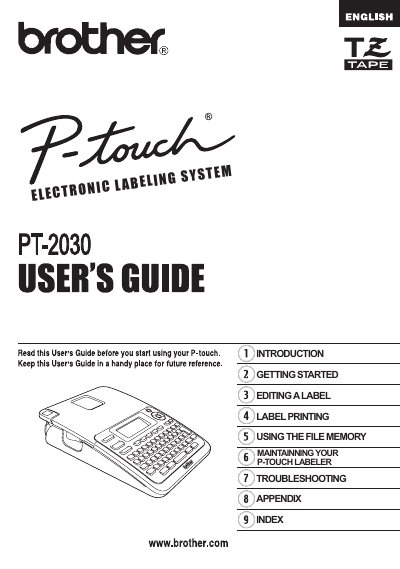

Brother PT-2030 P-Touch Labeler User Manual - cover page
Brand
Brother
Category
Other Computer Accessories
Document type
User Manual
Language
English
Pages
68
File format
PDF
File size
2.8 MB
Published
02 July, 2012
Updated
28 September, 2023
MD5 checksum
07363A6251976625A92ADEBCF98FE528

About this manual

This document is the user manual for the Brother PT-2030 P-Touch labeler. It serves as a guide for setting up, operating, and maintaining the electronic labeling system. The manual covers basic procedures for using the device, including safety precautions and warranty information.

What's inside

  • Introduction
  • Getting Started
  • Editing a Label
  • Label Printing
  • Using the File Memory
  • Troubleshooting
  • Maintaining Your P-Touch Labeler

Frequently asked questions

What is the length of the warranty for the PT-2030 machine?

The warranty covers machines for two years from the original purchase date.

How long is the warranty period for consumable and accessory items like label cassettes?

The warranty lasts 90 days from the original purchase date or the rated life of the consumable, whichever comes first.

What should I do if my PT-2030 labeler needs warranty service?

Report your issue to the P-touch Customer Service Hotline at 1-877-BROTHER (1-877-276-8437) or a Brother Authorized Service Center.

Download PDF (2.8 MB)

More Brother Manuals


View all Brother manuals →