
This document is the installation guide for the CAMEDIA Master 4.1 software, and introduces the installation steps and precautions.
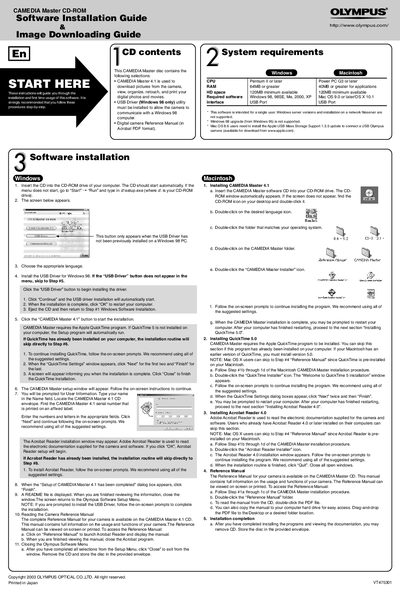
This document serves as a guide for the installation and initial usage of the CAMEDIA Master 4.1 software suite. It details the step-by-step procedures for setting up the software on Windows and Macintosh operating systems, including the installation of required drivers and utilities like QuickTime and Acrobat Reader. The guide also covers system requirements and the process for accessing the camera's reference manual.
| CPU Requirement (Windows) | Pentium II or later |
|---|---|
| CPU Requirement (Macintosh) | Power PC G3 or later |
| RAM Requirement | 64MB or greater |
| HD Space Requirement | 120MB minimum available |
| Supported Windows OS | Windows 98, 98SE, Me, 2000, XP |
| Supported Mac OS | Mac OS 9.0 or later/OS X 10.1 |
Supported operating systems include Windows 98, 98SE, Me, 2000, XP, Mac OS 9.0 or later, and OS X 10.1.