
This is a product instruction manual for a recorder. The product model is VN-120, VN-240, VN-480, VN-120PC, VN-240PC, VN-480PC. This manual provides detailed instructions on how to use the recorder and its features.
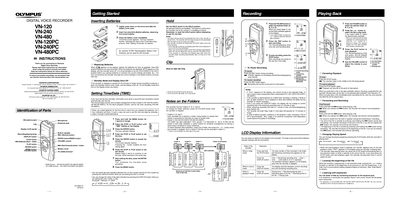
This document provides operating instructions for the Olympus VN Series Digital Voice Recorder models (VN-120, VN-240, VN-480, and their PC variants). It details how to insert batteries, set the time and date, use the clip, and manage audio files stored in folders A, B, C, or S. The guide explains recording and playback functions, including pause, fast forward, rewind, and speed adjustments.
The device requires two size-AAA alkaline batteries, though an optional Ni-MH Rechargeable Battery from Olympus can also be used.
Up to a total of 100 files can be recorded in Folder S, which is organized by date subfolders.