
Olympus VT325102 CAMEDIA Master Software Installation Guide

This document provides instructions on how to install Acrobat Reader 4.05 on Windows and Macintosh operating systems.
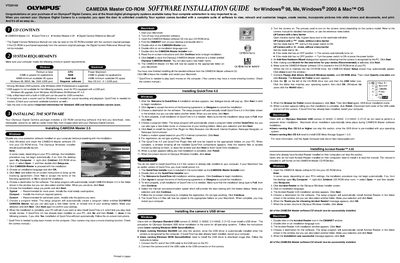

Olympus VT325102 CAMEDIA Master Software Installation Guide - cover page
Brand
Olympus
Category
Digital cameras
Document type
User Manual
Language
English
Pages
2
File format
PDF
File size
250 KB
Published
08 June, 2012
Updated
28 September, 2023
MD5 checksum
118A4209151848CB50DDCBA2768F0DCB

About this manual

This document provides installation procedures for the CAMEDIA Master 2.5 software suite, which allows users to download, view, manipulate, and print images from an Olympus Digital Camera. The guide covers system requirements for both Windows (98, Me, 2000) and Power Macintosh platforms.

What's inside

  • System Requirements
  • Installing CAMEDIA Master
  • Installing QuickTime 4.0
  • Installing USB Driver
  • Installing Acrobat Reader

Frequently asked questions

What minimum RAM is required to run this software on Windows?

The system requires at least 32MB of RAM for applications.

Is a microphone needed to record sound with the camera?

Yes, a microphone and a sound card are required for Windows users.

Which QuickTime version must be installed to play back movies?

QuickTime 4.0 is required to play back simple movies on the computer.

Download PDF (250 KB)

More Olympus Manuals


View all Olympus manuals →