
Introduces the date and time settings, folder selection, lock settings, pause recording, etc. of the recorder
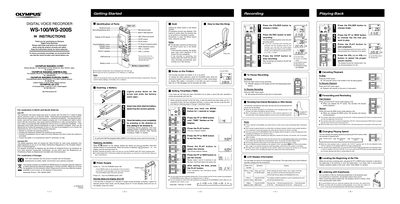
This document provides operating instructions for the Olympus WS-100/WS-200S Digital Voice Recorder. It details how to insert batteries, set up time and date, and use the device's primary functions including recording, playing back files, and adjusting volume.
The guide also explains advanced features such as using folders to organize files, pausing and resuming recordings, changing playback speed (slow/fast), and connecting external microphones. It includes specific notes on the mono audio capture of the WS-100 model and troubleshooting tips for recording quality.
| Battery Type | Size-AAA alkaline battery or optional Ni-MH Rechargeable battery (BR401) |
|---|---|
| Recording Capacity per Folder | Up to 199 messages |
| Number of Folders | Five folders (A, B, C, D and E) |
| Audio Mode (WS-100) | Mono |
Yes, you can switch between normal, slow (S.PLAY), and fast (FPLAY) speeds by pressing the PLAY button while playing back.
If left paused for 60 minutes or longer, the recorder will enter Stop mode.