
This document is a guide on installing Olympus® digital camera software. The software provides features for downloading, viewing, editing, printing, and creating movie files.
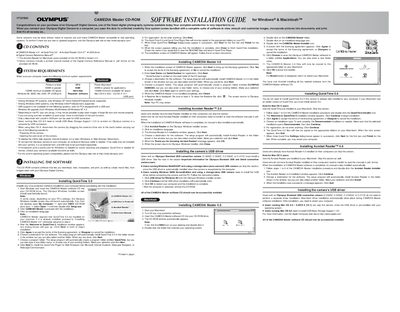
This guide provides instructions for installing the CAMEDIA Master 4.0 software suite on Windows and Macintosh computers. The software allows users to download, view, manipulate, and print images from Olympus digital cameras, as well as create movie files.
The document details the installation procedures for QuickTime 5.0, Acrobat Reader 5.0/4.0, the camera's USB driver, and the main CAMEDIA Master application. It also lists minimum system requirements for both operating systems.
| CPU Requirement | Pentium or later |
|---|---|
| RAM Requirement | 64MB or greater |
| Hard Disk Space | 120MB minimum |
| Software Version | CAMEDIA Master 4.0 |
| QuickTime Version | QuickTime 5.0 |
The computer must have a Pentium or later CPU, 64MB or greater RAM, 120MB minimum available hard disk space, and Windows 98, 98SE, Me, 2000, or XP.
No, users with storage-class (auto-connect) USB cameras running Windows Me/2000/XP can skip the driver installation as it is automatic.
Yes, unless it is already fully installed on your computer; the guide instructs users to install QuickTime 5.0 before installing CAMEDIA Master.