
This document is a QuickStart Guide for the Olympus C-8080 Wide Zoom digital camera. It provides instructions on preparing the camera for use, including charging the battery, loading the battery, and inserting the xD-Picture Card.
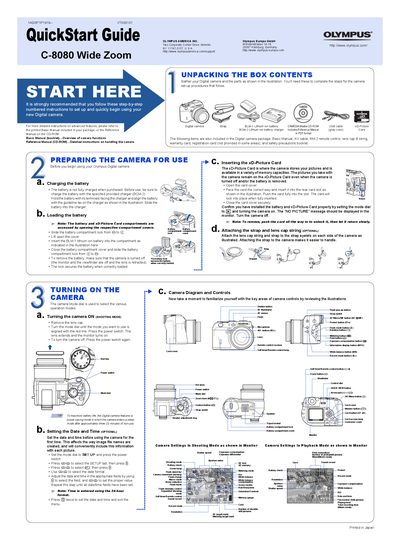
The document serves as a QuickStart Guide for the Olympus C-8080 Wide Zoom digital camera. It outlines the initial steps required to set up the device, such as unpacking contents, inserting the xD-Picture Card, and loading the BL-M1 lithium-ion battery using the BCM-2 charger. The guide also details how to attach the strap and lens cap string.
| Battery Type | BLM-1 lithium ion battery |
|---|---|
| Memory Card Format | xD-Picture Card |
| Compatible Memory Capacity | 16 MB to 512 MB |
Press the power switch again after turning it on.
The camera enters a sleep mode after approximately three minutes of non-use to maximize battery life.
The digital camera can handle xD-Picture Cards ranging from 16 MB to 512 MB.