
This is the instruction manual of Olympus FE-3010/X-895 FE-3000/X-890 camera, which introduces the names of camera parts, how to use the camera's shooting modes, shooting functions, playback functions, etc.
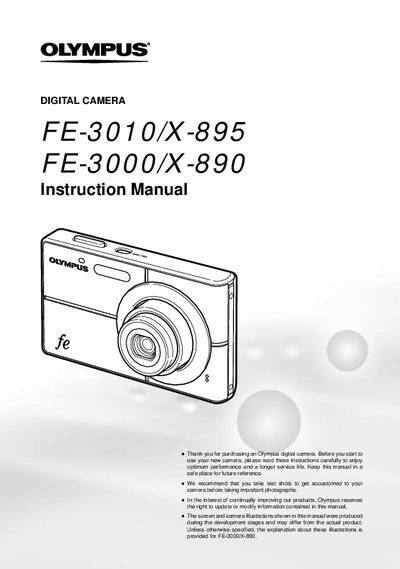
This document serves as the official user guide for the Olympus FE-3010/X-895 and FE-3000/X-890 digital cameras. It provides comprehensive instructions on preparing the camera, including checking box contents and battery installation. The manual details how to operate the device using various buttons and menus to access shooting functions, adjust settings like image quality and white balance, and switch between different modes such as Panorama, Super Macro, and Silent Mode.
The package includes a Lithium Ion Battery (L-41C), Battery Charger, USB cable, CD-ROM, and other accessories.
The box contains a lithium ion battery, a battery charger, a USB cable, an Olympus Master 2 microSD CD-ROM, and an attachment.
The camera displays the remaining recording time or the number of storable still pictures on the screen.