
This document is a quick start guide for purchasing an Olympus digital camera, including instructions, warranty terms, and detailed information on the CD-ROM.
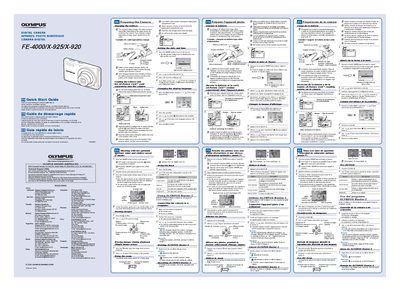
This document is a Quick Start Guide for the Olympus FE-4000/X-925/X-920 digital camera series. It provides initial setup instructions in English, French, and Spanish, including how to charge the included lithium-ion battery and load an xD-Picture Card or microSD Attachment.
The guide covers essential operating procedures such as setting the date and time, changing display language, and using P mode for optimal aperture and shutter speed. It also details image playback, single-image erasing, optical and digital zoom usage (4x each), flash settings, and connecting the camera to a computer via OLYMPUS Master 2 software.
| Optical Zoom | 4x |
|---|---|
| Digital Zoom | 4x |
It takes up to 2 hours to fully charge the battery until the charging indicator goes off.
The camera accepts an xD-Picture Card or a microSD Attachment (sold separately).